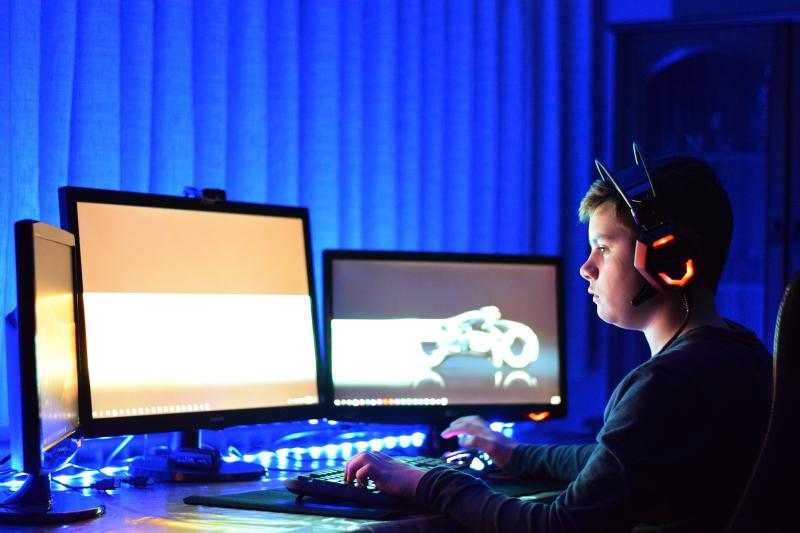
When it comes to gaming, comfort is everything. If you're spending hours in front of your screen, the last thing you want is to end up with aches and pains. That’s where ergonomic gear steps in! These accessories are designed to support your body, helping you to maintain a healthier posture and stay focused on your game.
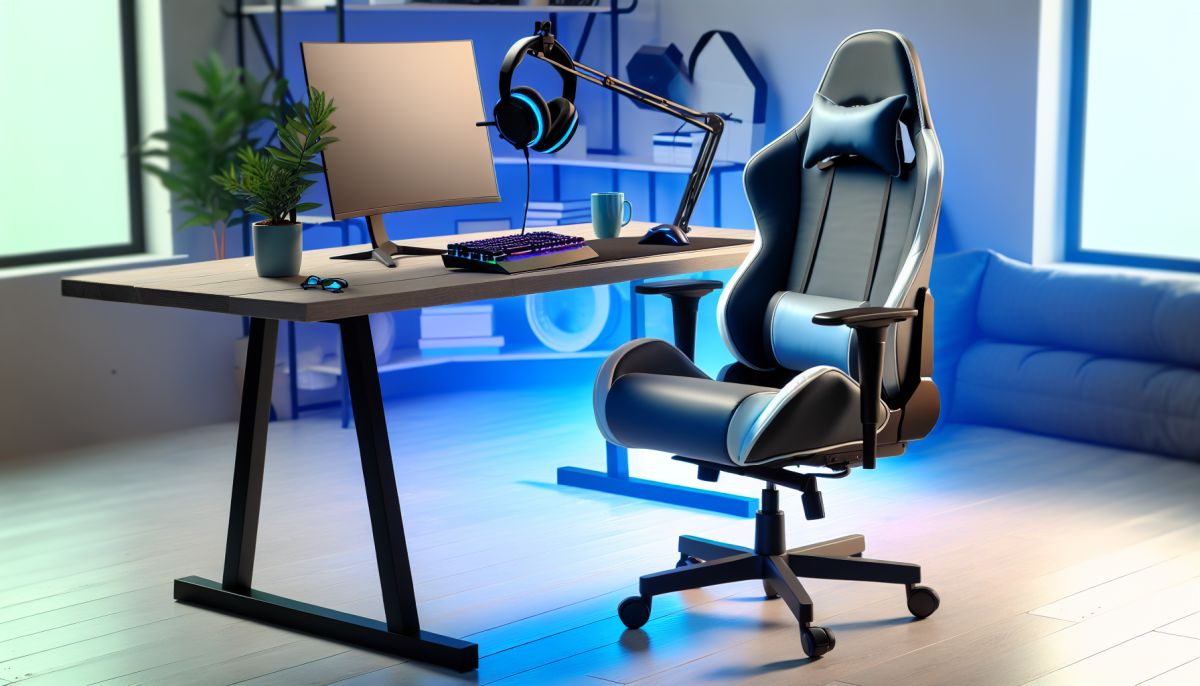
For starters, ergonomic chairs are a game-changer. They provide excellent lumbar support, which means your back gets the love it needs. Plus, with adjustable features, you can find the perfect height and angle for your setup. Say goodbye to slouching and hello to long, comfortable gaming sessions!
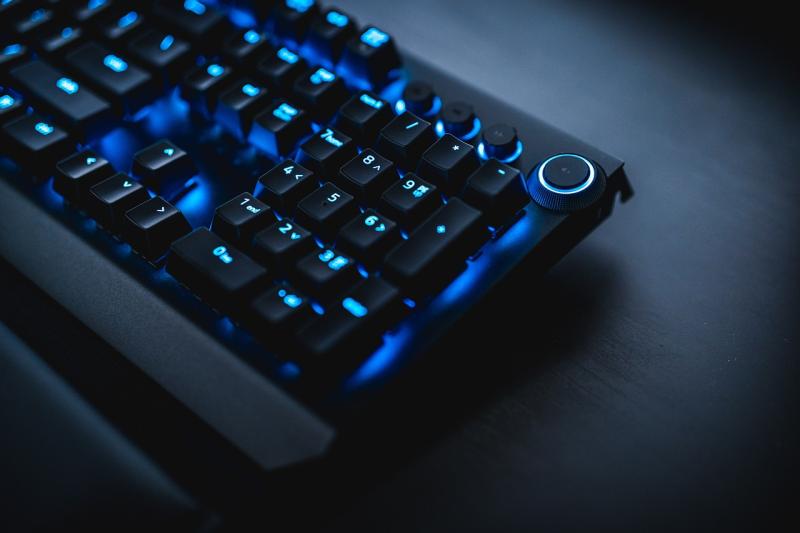
Don’t overlook your keyboard and mouse either! Ergonomic keyboards are designed to keep your wrists in a natural position, reducing strain during those hectic gameplay moments. Meanwhile, an ergonomic mouse fits snugly in your hand, making it easier to maneuver without cramping your fingers. Little changes can make a huge difference in your overall comfort.
Lastly, consider incorporating a nice footrest into your setup. It might seem small, but elevating your feet can prevent strain on your legs and lower back. Plus, it helps keep your blood circulation flowing during those marathon gaming sessions. With the right ergonomic gear, you’ll be amazed at how much more enjoyable and pain-free your gaming experience can be!
Key Benefits of Ergonomic Accessories
Using ergonomic accessories while gaming can make a big difference in your comfort and overall health. Here’s why they’re worth considering:
Overall, investing in ergonomic gaming accessories is about prioritizing your health while still enjoying your favorite pastime. It’s a win-win!
Choosing the Right Gaming Setup
First off, let’s talk about your chair. An ergonomic gaming chair is a game changer (pun intended!). Look for one that supports your back and encourages good posture. Features like adjustable height, lumbar support, and breathable materials can make all the difference. You’ll appreciate it during those long gaming sessions!
Next, consider your desk. A good gaming desk should have enough surface area for your monitor, keyboard, and mouse while also providing space for other essentials like snacks (because gaming and snacking go hand in hand!). Standing desks are also becoming popular as they allow you to switch things up and avoid sitting for too long.
Finally, don’t forget about your monitor and accessories. Place your screen at eye level to minimize neck strain, and use a blue light filter to ease eye fatigue. A good quality mouse and keyboard can also promote better wrist alignment, which is crucial for comfort over long periods.
Simple Tips for Better Posture
Improving your posture doesn’t have to be a daunting task. With just a few simple tips, you can make a big difference in how you feel during long gaming sessions. Here are some straightforward ways to keep your back and neck happy while you play.
1. Adjust Your Chair Height: Make sure your chair is at the right height so your feet can rest flat on the ground. Your knees should be at or slightly below hip level. This keeps pressure off your lower back and helps you maintain a relaxed posture.
2. Support Your Lower Back: Use a cushion or a lumbar support pillow to give your lower back the support it needs. This helps keep your spine in its natural curve, which is essential for good posture.
3. Ergonomic Monitor Placement: Position your monitor at eye level. This means the top of the screen should be at or just below your eye level. This placement encourages you to sit up straight instead of hunching forward, reducing neck strain.
4. Take Frequent Breaks: Don’t forget to stand up, stretch, and move around every hour or so. A quick pause helps reset your posture and keeps your muscles from getting stiff.